As an Amazon Associate we earn from qualifying purchases. Our deals are community-vetted (Slickdeals + r/buildapcsales), verified to live Amazon listings, and tracked with our own daily price history — never paid placement. Prices change often; always confirm the live price on Amazon. How we pick deals →
Quick Picks
2 TOP CHOICES

Logitech ERGO K860
Split curved design with integrated palm rest and multi-device Bluetooth
Details: See Amazon for full specs
The most comfortable typing experience — curved split layout with pillowed palm rest.
Check Today's PriceMicrosoft Sculpt Ergonomic Keyboard
Domed split design with separate number pad and cushioned palm rest
Details: See Amazon for full specs
The most affordable true ergonomic keyboard — Microsoft got the shape right.
Check Today's PriceComparison Table
4 PRODUCTS COMPARED
← Scroll to compare →
| Product | Best For | Key Spec | Score | |
|---|---|---|---|---|
| Best Overall | See Amazon for full specs | 9/10 | View on Amazon | |
| Best Split Mechanical | See Amazon for full specs | 8.4/10 | View on Amazon | |
| Best Budget | See Amazon for full specs | 8.7/10 | View on Amazon | |
| Best Customizable | See Amazon for full specs | 8.4/10 | View on Amazon |
Quick Summary
| # | Product | Best For | Score | |
|---|---|---|---|---|
| 1 | Logitech ERGO K860 | Best Overall | 9/10 | Check Price → |
| 2 | Kinesis Advantage360 Pro | Best Split Mechanical | 8.4/10 | Check Price → |
| 3 | Microsoft Sculpt Ergonomic Keyboard | Best Budget | 8.7/10 | Check Price → |
| 4 | ZSA Moonlander Mark I | Best Customizable | 8.4/10 | Check Price → |
Ergonomic Keyboards Reviews
4 PRODUCTS REVIEWED
Logitech ERGO K860
Best for: Split curved design with integrated palm rest and multi-device Bluetooth
Editorial score: 9/10
The most comfortable typing experience — curved split layout with pillowed palm rest.
Why we like it
- Split curved ergonomic layout
- Integrated pillowed palm rest
- Bluetooth + USB receiver
- 2-year battery life
Flaws
- Membrane keys — not mechanical
Prices checked Aug 4, 2026

Kinesis Advantage360 Pro
Best for: Fully split contoured mechanical keyboard with SmartSet programming
The ultimate ergonomic keyboard — fully split with concave key wells that follow your fingers.
Why we like it
- Fully split design
- Contoured concave key wells
- Mechanical Cherry MX switches
- SmartSet macro programming
Flaws
- Steep learning curve — 2-4 week adjustment
Prices checked Aug 4, 2026
Get deals like these in your inbox
Weekly picks, price drops, and exclusive deals — no spam.

Microsoft Sculpt Ergonomic Keyboard
Best for: Domed split design with separate number pad and cushioned palm rest
The most affordable true ergonomic keyboard — Microsoft got the shape right.
Why we like it
- Domed split design
- Separate number pad
- Cushioned palm rest
- Natural wrist alignment
Flaws
- Wireless USB dongle — no Bluetooth
Prices checked Aug 4, 2026

ZSA Moonlander Mark I
Best for: Fully split ortholinear with hot-swap switches and web-based configuration
The most customizable keyboard in existence — configure every key via web interface.
Why we like it
- Fully split ortholinear layout
- Hot-swap mechanical switches
- Web-based Oryx configurator
- Tenting and tilting adjustments
Flaws
- Ortholinear layout requires relearning to type
Prices checked Aug 4, 2026
The Bottom Line
Best Ergonomic Keyboards 2026 — our researched picks, ranked on specs and verified owner feedback.
Best Overall
Logitech ERGO K860
Our #1 recommendation — the best overall pick in this guide.
Still on the fence? Send a gift card.
Skip the guesswork — a Giftcards.com card lets the recipient pick the exact model they want, delivered instantly.
Looking for more home office & productivity options?
Browse all Home Office & Productivity guides →How to Choose the Best Ergonomic Keyboards in 2026
BUYING GUIDE
Split vs Curved
Curved keyboards (Logitech K860) keep a single body with ergonomic angles. Split keyboards (Kinesis, ZSA) separate into two halves for shoulder-width positioning. Split is more ergonomic but requires adjustment time.
Best Overall
Logitech ERGO K860
A great example of this in practice — check current price on Amazon.
Adjustment Period
Curved ergonomic keyboards take 1-2 days to adjust. Split keyboards take 1-2 weeks. Ortholinear split keyboards take 2-4 weeks. Start on a weekend and be patient — the long-term comfort is worth it.
Tenting
Tenting angles the keyboard halves inward like a tent. This reduces forearm pronation — a major cause of wrist pain. Even 10-15 degrees of tenting makes a significant difference.
Best Budget
Microsoft Sculpt Ergonomic Keyboard
A great example of this in practice — check current price on Amazon.
FAQ
COMMON QUESTIONS
Head-to-Head Comparisons
COMPARE TOP PICKS SIDE BY SIDE
Browse More Guides
RELATED GUIDES



Related Articles
FROM OUR EDITORIAL TEAM

Standing Desk Ergonomics: Setup Guide for Comfort and Productivity
A standing desk is only beneficial if set up correctly. Poor ergonomics cause more problems than sitting. Here is how to configure your standing desk for health and comfort.
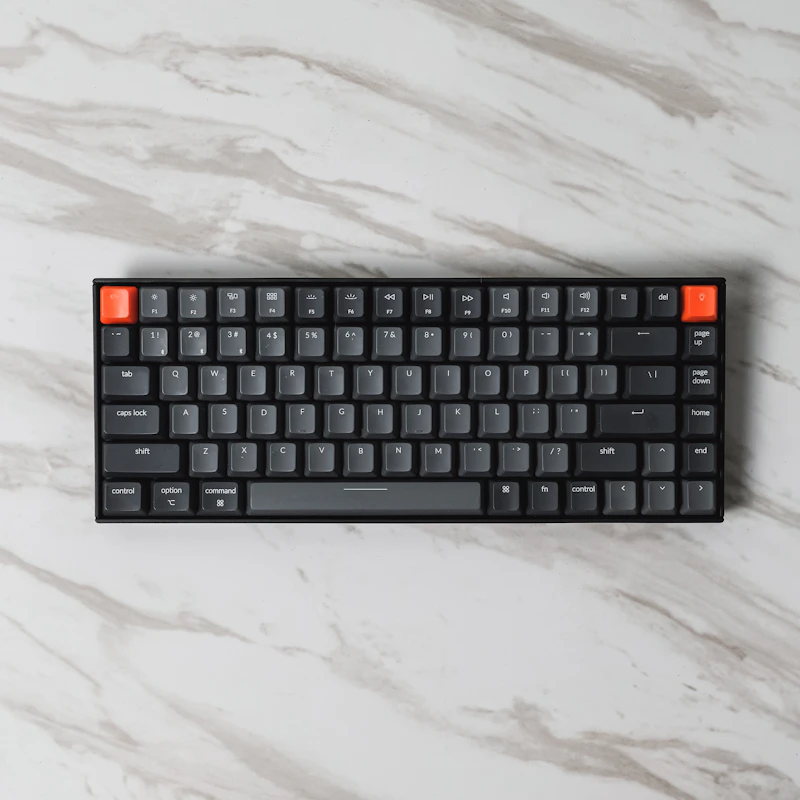
Best Budget Mechanical Keyboards Under $50
Mechanical keyboards used to cost $150+. Now you can get genuine mechanical switches, quality keycaps, and premium typing feel for under $50.

7 Ergonomic Accessories That Prevent Work-From-Home Pain
Back pain, wrist strain, and neck tension from desk work are preventable. These ergonomic accessories address the root causes of the most common WFH injuries.