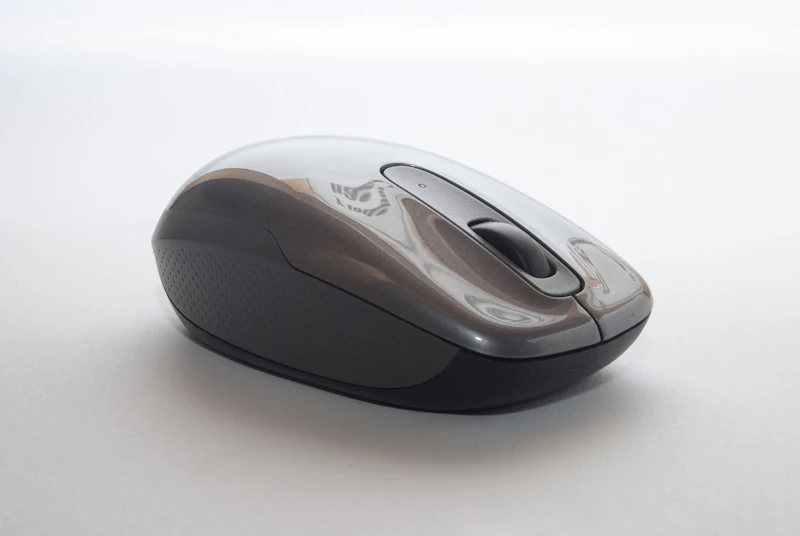
What to Look for in an Ergonomic Mouse
The wrong mouse causes wrist pain, shoulder tension, and repetitive strain injuries. Here's what actually matters when choosing an ergonomic mouse.
BestElectronicsReviewed.com is a participant in the Amazon Services LLC Associates Program. We may earn a commission from qualifying purchases made through links on this page, at no extra cost to you.
Standard mice force your hand into an unnatural position. Your palm faces down, your wrist rotates inward (pronation), and your fingers grip a low-profile surface for hours. Over months and years, this position contributes to carpal tunnel syndrome, tendonitis, and chronic wrist pain. An ergonomic mouse addresses these biomechanical problems — but only if you choose the right type for your specific issue.
Understand the Problem First
Not all mouse-related pain comes from the same cause. Identify where you feel discomfort:
- Wrist pain (underside): Usually caused by wrist pronation — the palm-down twist of a standard mouse
- Wrist pain (top/sides): Often caused by bending the wrist upward (extension) because the mouse is too flat or the desk is too high
- Forearm/elbow pain: Usually from reaching too far for the mouse, overusing the arm instead of the wrist for movement
- Thumb pain: Caused by gripping the mouse too tightly or by thumb buttons positioned poorly
- Shoulder tension: Typically from mouse placement too far to the right (caused by full-size keyboards pushing the mouse outward)
Each problem has a different ergonomic solution.
Vertical Mice
Vertical mice rotate your hand into a "handshake" position — thumb on top, pinky on the bottom. This eliminates the pronation that causes wrist pain in the vast majority of mouse users. The Logitech MX Vertical is the gold standard in this category, offering a 57-degree vertical angle, precise tracking, and a comfortable shape that works for most hand sizes.
Best for: Wrist pronation pain, carpal tunnel prevention Trade-off: Reduced precision compared to traditional mice, learning curve of 3-7 days
Trackball Mice
Trackball mice keep your hand stationary while you move the cursor by rolling a ball with your thumb or fingers. Since your arm doesn't move, shoulder and forearm strain disappears. The Logitech ERGO M575 uses a thumb-operated ball and is the most popular trackball for general use.
Best for: Shoulder pain, forearm strain, limited desk space Trade-off: Precision work (photo editing, design) is harder, requires cleaning the ball mechanism periodically
Low-Profile Ergonomic Mice
Some ergonomic mice keep the traditional horizontal orientation but add features like a higher arch (supporting the palm instead of forcing a flat grip), a wider body (reducing finger cramping), and adjustable DPI (so you move your wrist less). These are easier to transition to than vertical or trackball options.
Best for: Users who want incremental improvement without a dramatic change Trade-off: Doesn't address pronation as effectively as vertical mice
Key Features to Evaluate
Size and hand fit. An ergonomic mouse that's too small forces you to grip with your fingertips. Too large and your hand strains to reach buttons. Measure your hand from wrist to fingertip and check the manufacturer's sizing guide. Many ergonomic mice come in multiple sizes.
Weight. A heavy mouse requires more force to move, increasing forearm fatigue. A light mouse (under 80g) allows effortless gliding. Most ergonomic mice are heavier than gaming mice (90-120g), which is acceptable since the ergonomic design reduces the strain of movement.
Wireless vs. wired. Wireless eliminates cable drag, which is a subtle but real source of friction. Modern wireless mice have imperceptible latency for productivity work. A wireless ergonomic mouse with Bluetooth and a USB receiver gives you connection flexibility.
Programmable buttons. Buttons that perform copy, paste, undo, and app switching reduce repetitive keyboard reaches. This is an underrated ergonomic feature — every keyboard shortcut you replace with a mouse button is one less awkward hand position.
DPI sensitivity. Higher DPI means smaller physical movement to cover the same screen distance. If your current mouse requires sweeping arm movements to cross the screen, a higher DPI setting can reduce total arm movement by 50-70%.
The Transition Period
Switching to any ergonomic mouse feels awkward for 3-7 days. Your muscle memory is built around a standard mouse shape, and your brain needs time to adapt. Resist the urge to switch back during this period — the discomfort is your muscles adjusting to a healthier position, not a sign that the mouse is wrong.
Start by using the ergonomic mouse for 2-3 hours per day alongside your standard mouse, then gradually increase the time. Within two weeks, the ergonomic mouse will feel natural and your old mouse will feel like a torture device.
The Best Starting Point
If you're unsure which type to try, start with a vertical mouse. It addresses the most common source of mouse-related pain (pronation) while still feeling familiar enough that the transition is manageable. The Logitech MX Vertical or the Anker Vertical Mouse (budget option at $20) are both solid first choices.
As an Amazon Associate, BestElectronicsReviewed earns from qualifying purchases.
Recommended Products
Top picks from our buying guides
Related Articles
Best Kitchen Tech for Meal Prep
Meal prep is easier with the right gadgets. From food scales to vacuum sealers, these kitchen electronics save hours every week.
Buyer GuidesWhole House Water Filtration: Smart Filters and Monitoring Systems
From under-sink filters to whole-house systems, smart water filtration monitors filter life, detects contaminants, and ensures clean water from every tap.
Buyer GuidesBest Homework and Study Apps for Middle and High School Students
From math solvers to flashcard apps to essay helpers, these study tools help older students work smarter without doing the work for them.