Smart Speaker vs Smart Display: Which Is Better for Your Home?
Smart speakers and smart displays both offer voice control, but the screen changes everything. Here's when each makes more sense for different rooms and uses.
BestElectronicsReviewed.com is a participant in the Amazon Services LLC Associates Program. We may earn a commission from qualifying purchases made through links on this page, at no extra cost to you.
Smart speakers and smart displays both provide voice-controlled smart home management, music playback, and information access. The display adds visual content — recipe steps, video calls, security camera feeds, and photo slideshows. But the display also adds distraction, cost, and a screen to a room that may not need one. Here is how to decide.
Smart Speaker: Audio-First Simplicity
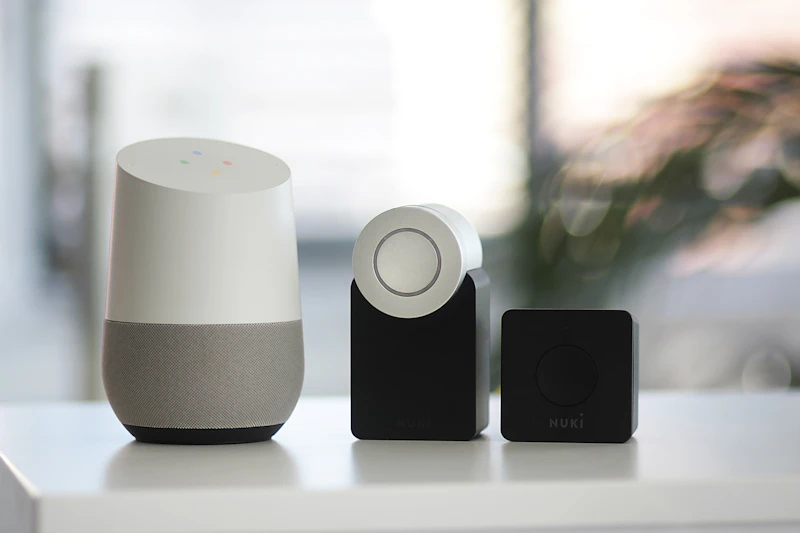
A smart speaker provides voice control and audio playback without a screen. It is simpler, less distracting, and typically cheaper than a display.
The Amazon Echo provides excellent sound quality for music and podcasts, reliable voice control for smart home devices, and a compact design that blends into any room. It handles timers, weather, news briefings, and smart home control without adding another screen to your life.
Best rooms for a smart speaker: bedroom (no screen distraction for sleep), home office (audio without visual distraction), bathroom (compact, no screen exposure to moisture), and any room where you want voice control without adding a display.
Smart Display: Visual Information at a Glance
A smart display adds a touchscreen that shows recipes, video calls, security camera feeds, photo slideshows, weather forecasts, and visual smart home controls. The screen adds significant functionality beyond what voice alone provides.
The Amazon Echo Show 8 is the sweet spot for most households. The 8-inch screen is large enough to follow recipes and make video calls but not so large that it dominates a room. The adaptive content feature displays useful information — weather, calendar, trending topics — when you glance at it.
Best rooms for a smart display: kitchen (recipes, timers, video calls while cooking), living room (smart home dashboard, photo slideshow), entryway (weather check before leaving), and nursery (baby monitor viewer).
Kitchen: Smart Display Wins
The kitchen is where smart displays shine brightest. Following a recipe on a screen you control with your voice while your hands are covered in flour is genuinely useful. Showing a recipe step-by-step, setting multiple named timers ("set a pasta timer for 12 minutes" and "set a sauce timer for 20 minutes"), and making video calls while cooking all leverage the display in practical ways.
The Amazon Echo Show 15 mounts on the wall as a family dashboard showing calendars, grocery lists, weather, and recipe content. It is the closest thing to a smart kitchen assistant currently available.
Bedroom: Smart Speaker Wins
Adding a screen to your bedroom introduces light and visual stimulation that degrades sleep quality. A speaker-only device provides voice-controlled alarms, white noise, and sleep sounds without the temptation of a glowing screen.
The Amazon Echo Dot on the nightstand handles alarm setting, sleep sounds, and morning weather briefings without a screen. The compact size takes up minimal nightstand space.
Living Room: Either Works
In the living room, the choice depends on whether you want a visual hub or just audio. A smart display serves as a photo slideshow, smart home control panel, and security camera viewer. A speaker provides music, voice control, and podcast playback without adding another screen to the room.
If you already have a TV in the living room, a speaker may be sufficient — the TV handles visual content. If you want a persistent information display, a smart display adds value.
Privacy Considerations
Both devices have microphones that listen for wake words. Smart displays add cameras, which some people find uncomfortable in their homes. Both Amazon and Google provide physical mute buttons that electrically disconnect the microphone, and smart displays include camera shutters.
If camera privacy concerns you, a smart speaker eliminates the issue entirely. If you value video calling and visual monitoring, the camera privacy features of modern smart displays are robust enough for most users.
Multi-Room Strategy
Most households benefit from a mix. A smart display in the kitchen, smart speakers in bedrooms and bathrooms, and either option in the living room provides comprehensive coverage tailored to each room's needs.
The key is consistency — stick with one ecosystem (Alexa or Google) so all devices work together, respond to the same voice commands, and share the same smart home integrations.
The Budget Comparison
Smart speakers range from $25 (Echo Dot) to $100 (Echo). Smart displays range from $80 (Echo Show 5) to $250 (Echo Show 15). The display premium is $50 to $150 per device, which adds up in a multi-room deployment.
For most households, two smart displays (kitchen and one other room) plus smart speakers in remaining rooms provides the best value balance.
As an Amazon Associate, BestElectronicsReviewed earns from qualifying purchases.
Recommended Products
Top picks from our buying guides
Related Articles
Updated: How to Organize Your Desk Setup for Maximum Productivity (Spring 2026)
Updated: How to Organize Your Desk Setup for Maximum Productivity (Spring 2026) — expert analysis and tested recommendations from BestElectronicsReviewed.
TipsEssential Tech for Architects and Designers
Architecture demands serious computing power for CAD and rendering, precise displays for color accuracy, and collaborative tools that bridge the studio and job site.
TipsMust-Have Tech for Interior Designers
Modern interior design blends creativity with technology. From color-accurate displays to 3D rendering tools, here's the tech that gives designers a competitive edge.