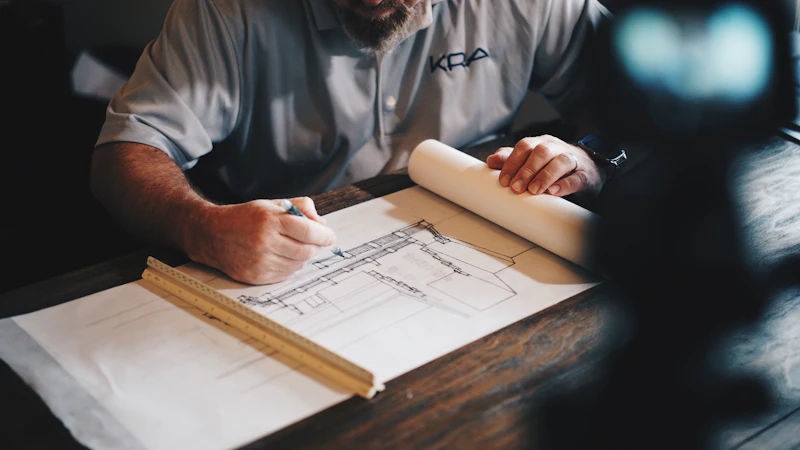
Essential Tech for Architects and Designers
Architecture demands serious computing power for CAD and rendering, precise displays for color accuracy, and collaborative tools that bridge the studio and job site.
BestElectronicsReviewed.com is a participant in the Amazon Services LLC Associates Program. We may earn a commission from qualifying purchases made through links on this page, at no extra cost to you.
Architecture and architectural design require some of the most demanding technology workflows of any profession. AutoCAD, Revit, Rhino, SketchUp, and rendering engines like V-Ray and Lumion push hardware to its limits. Simultaneously, architects must communicate designs to clients, contractors, and regulatory bodies through drawings, renderings, and increasingly through VR and AR presentations.
Workstation: Raw Power for CAD and Rendering
Architecture software is CPU and GPU intensive. Revit's analytical features lean on CPU cores, while real-time rendering in Enscape and Lumion demands a powerful discrete GPU. Skimping on your workstation means waiting — waiting for models to rotate, waiting for renders to complete, waiting for files to save.
For laptop users who need portability for site visits and client meetings, the Apple MacBook Pro 16-inch M3 Max provides workstation-class performance in a portable form factor. The unified memory architecture handles Rhino and Grasshopper workflows elegantly, and the battery life supports a full day of meetings away from power.
For Windows users running Revit — which is Windows-only — a workstation laptop with an NVIDIA RTX 4070 or higher GPU provides the CUDA core count that V-Ray and rendering engines demand. The Lenovo ThinkPad P16s Gen 3 offers ISV-certified compatibility with major architecture applications, meaning the drivers and hardware are validated for professional workflows.
Monitor: Large, Color-Accurate, and High Resolution
Architects spend hours staring at detailed drawings where precision matters down to the pixel. A large, high-resolution, color-accurate monitor reduces eye strain and ensures design accuracy.
A 32-inch 4K monitor with at least 99% sRGB coverage provides the workspace and accuracy architects need. The Dell UltraSharp U3223QE delivers factory-calibrated color accuracy, USB-C hub connectivity, and a 32-inch 4K panel that makes AutoCAD line work crisp and renderings accurate.
Drawing Tablet: Digital Sketching and Markup
Early design phases still involve sketching, and digital markup of drawings during review is faster and more legible than red pen on printouts.
The Wacom Intuos Pro Medium provides pressure-sensitive drawing input that connects to your workstation. Sketch concepts in SketchUp or Rhino, mark up PDFs during drawing review, and annotate renderings for client presentations. The medium size fits beside a keyboard without dominating your desk.
3D Mouse: Navigate Complex Models
If you spend hours navigating 3D models, a 3D mouse dramatically improves workflow speed and reduces wrist strain from constant right-click orbiting.
The 3Dconnexion SpaceMouse Compact sits beside your regular mouse and provides six-axis control for panning, zooming, and rotating 3D models simultaneously. Architects who adopt a 3D mouse report 20 to 30 percent faster model navigation because both hands work simultaneously — the left hand navigates while the right hand selects and edits.
Site Documentation: Laser Measurement and Photography
Site visits require accurate measurements and comprehensive photo documentation. A laser distance measurer and a wide-angle camera expedite the documentation process.
A laser measurer with Bluetooth connectivity exports measurements directly to your phone, which you can then import into CAD. For site photography, a wide-angle lens captures entire rooms in single shots, providing reference material that you can revisit from the studio.
VR and AR Presentation
Immersive client presentations set top firms apart. Walking a client through their future home in virtual reality communicates spatial relationships and material choices more effectively than any 2D rendering.
Consumer VR headsets like the Meta Quest 3 provide an accessible entry point for VR presentations. Export your model from Revit or SketchUp to a VR-compatible format, and clients can explore the design interactively. This technology is rapidly moving from novelty to expectation among clients of high-end residential and commercial firms.
Cloud Storage and Collaboration
Architecture projects involve large files shared across teams. BIM models in Revit can exceed 500MB, and rendering assets push project folders into gigabyte territory. Cloud storage with version control ensures everyone works from the current set and nothing is lost.
A combination of cloud storage for active projects and local NAS for archival provides both speed and security. The NAS handles the fast local file access that large CAD files require, while cloud sync ensures offsite backup and remote access.
The Investment
An architect's tech setup runs $5,000 to $15,000 depending on whether a desktop workstation or laptop serves as the primary machine. The workstation and monitor should take priority — everything else enhances workflow but the core computing power determines your daily productivity ceiling.
As an Amazon Associate, BestElectronicsReviewed earns from qualifying purchases.
Recommended Products
Top picks from our buying guides
Related Articles
Updated: How to Organize Your Desk Setup for Maximum Productivity (Spring 2026)
Updated: How to Organize Your Desk Setup for Maximum Productivity (Spring 2026) — expert analysis and tested recommendations from BestElectronicsReviewed.
TipsMust-Have Tech for Interior Designers
Modern interior design blends creativity with technology. From color-accurate displays to 3D rendering tools, here's the tech that gives designers a competitive edge.
TipsLiving Room Tech Upgrade Guide: Entertainment to Smart Home
The living room is the tech hub of most homes. From streaming devices to smart speakers, here's how to build a modern, connected living room without overspending.