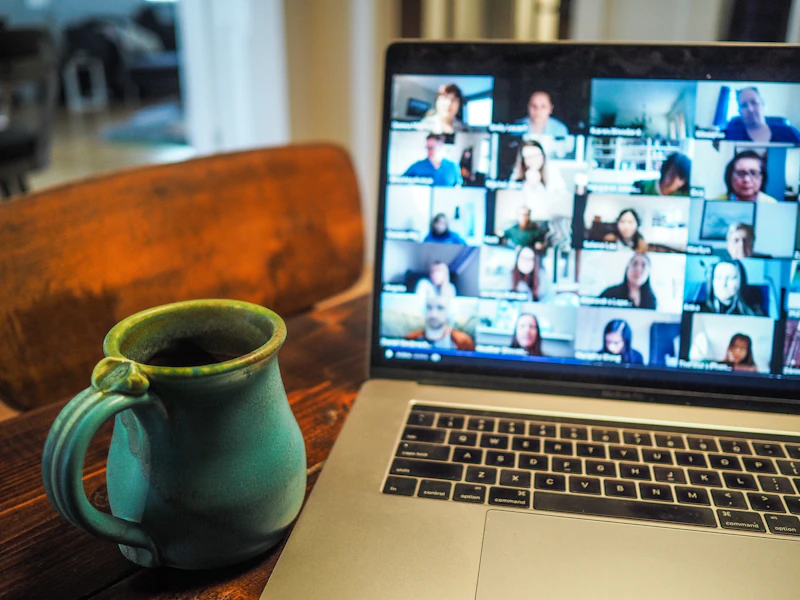
Best Tech for Remote Teachers
Teaching online demands more than a laptop and a prayer. These are the tools remote educators actually need for engaging, professional-quality virtual lessons.
BestElectronicsReviewed.com is a participant in the Amazon Services LLC Associates Program. We may earn a commission from qualifying purchases made through links on this page, at no extra cost to you.
Remote teaching is not a temporary measure anymore — it is a permanent fixture in education from K-12 to university to corporate training. But most teachers are still working with the same laptop webcam and built-in microphone they used during the initial pandemic scramble. The result is grainy video, echoey audio, and students who zone out because the experience feels amateur.
Good tech will not make you a better teacher, but it removes the barriers that prevent your students from engaging with your content. Here is everything remote educators need, organized by priority.
Priority 1: Audio (The Most Important Upgrade)
Students will tolerate bad video. They will not tolerate bad audio. If you can only upgrade one thing, make it your microphone.
Our pick: The Elgato Wave:3 is our top recommendation for teachers. It is a USB condenser microphone with a built-in digital mixer, a capacitive mute button (no click noise), and a low-cut filter that eliminates desk rumble and HVAC noise. The sound quality is broadcast-level, yet setup is plug-and-play — no audio interface required.
For teachers on a tight budget, the Fifine K669B at $20 is remarkably good. It will not match the Elgato, but it is a dramatic improvement over any built-in laptop microphone.
Pro tip: Position your microphone 6-8 inches from your mouth, slightly off-axis (not directly in front but angled from the side). This reduces plosives (harsh P and B sounds) and gives a natural, professional tone.
Priority 2: Camera
Once your audio is solid, upgrade your video. A quality webcam makes you look professional and helps students read your facial expressions and visual cues — both critical for engagement.
Our pick: The Logitech Brio 500 shoots 1080p with excellent auto-exposure and a built-in privacy shutter. Its Show Mode lets you tilt the camera down to show documents on your desk without a separate document camera. The RightLight 4 technology handles mixed lighting conditions (desk lamp plus window) without constantly adjusting.
For teachers who present physical materials, whiteboards, or lab demonstrations, a separate document camera is invaluable. The IPEVO V4K PRO captures 8MP images, has a built-in microphone, and folds flat for storage.
Priority 3: Lighting
Bad lighting makes even a good webcam look terrible. You do not need a professional studio — just one well-placed light.
Our pick: A ring light or key light positioned behind your monitor provides even, flattering illumination. The Elgato Key Light Mini is a premium option that mounts on your monitor and offers adjustable color temperature. For budget setups, any $25 ring light from Amazon will dramatically improve your video quality.
The rule of thumb: light should come from in front of you and slightly above, never from behind. A bright window behind you creates a silhouette effect that no webcam can compensate for.
Priority 4: Writing and Annotation
Digital whiteboards and annotation tools are essential for subjects that involve diagrams, equations, or visual explanations.
Our pick: The Wacom Intuos Small is a drawing tablet that connects via USB and works with Zoom's built-in whiteboard, Microsoft Whiteboard, Google Jamboard, and virtually every annotation app. It has a natural pen feel and the learning curve is about 30 minutes.
For teachers who prefer writing on a screen rather than a tablet, a touchscreen monitor or an iPad with Apple Pencil paired with screen-sharing works beautifully.
Priority 5: Background and Environment
A cluttered background is distracting. You have three options: a physical backdrop, a well-organized bookshelf, or a virtual background. Virtual backgrounds work best with a green screen, but modern Zoom and Teams AI background removal works reasonably well without one on any mid-range laptop.
If you go the physical route, a simple bookshelf behind you with a few plants creates a professional, approachable look. Avoid blank walls — they make the video feel cold and institutional.
Software Essentials
Hardware is only half the equation. These free or low-cost tools transform your teaching:
- OBS Studio (free): Lets you create scenes with your webcam, screen share, and overlays visible simultaneously. Invaluable for presentations where students need to see both you and your slides.
- Canva (free tier): Quick slide and graphic creation without PowerPoint complexity.
- Loom (free tier): Record asynchronous video lessons that students can rewatch at their own pace.
The Complete Remote Teaching Setup
Here is our recommended build at three budget levels:
Essential ($60): Fifine K669B microphone + ring light Professional ($350): Elgato Wave:3 + Logitech Brio 500 + ring light + Wacom Intuos Premium ($600): Everything above + Elgato Key Light Mini + IPEVO document camera
Even the $60 essential kit will transform your virtual classroom. Start there and upgrade as your budget allows.
Read our full home office setup guide →
Final Thoughts
The technology gap between a professional-looking remote teacher and an amateur one is surprisingly small. A $60 investment in a decent microphone and a ring light puts you ahead of 90 percent of remote educators. Your students will notice the difference immediately — and their engagement will show it.
As an Amazon Associate, BestElectronicsReviewed earns from qualifying purchases.
Recommended Products
Top picks from our buying guides
Related Articles
Best Kitchen Tech for Meal Prep
Meal prep is easier with the right gadgets. From food scales to vacuum sealers, these kitchen electronics save hours every week.
Buyer GuidesWhole House Water Filtration: Smart Filters and Monitoring Systems
From under-sink filters to whole-house systems, smart water filtration monitors filter life, detects contaminants, and ensures clean water from every tap.
Buyer GuidesBest Homework and Study Apps for Middle and High School Students
From math solvers to flashcard apps to essay helpers, these study tools help older students work smarter without doing the work for them.