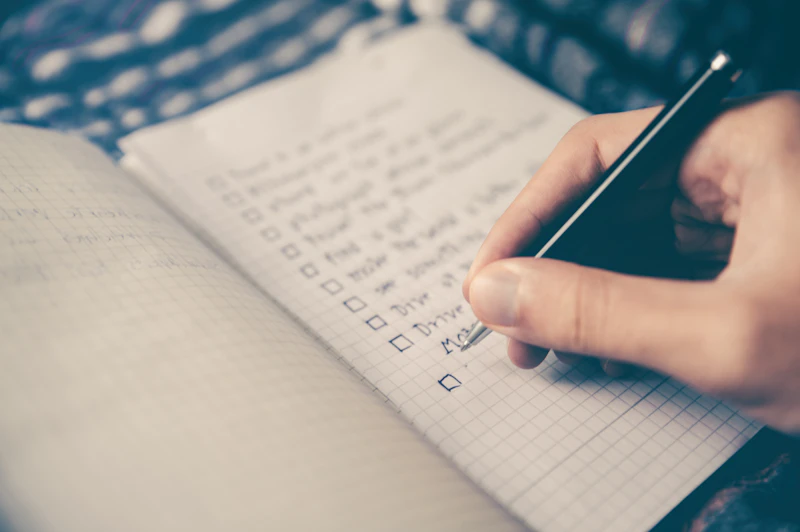
Best Productivity Apps for Getting Things Done in 2026
From task managers to note apps to automation tools, here is the productivity app stack that helps you accomplish more with less friction.
BestElectronicsReviewed.com is a participant in the Amazon Services LLC Associates Program. We may earn a commission from qualifying purchases made through links on this page, at no extra cost to you.
The productivity app market is overwhelming — hundreds of apps promise to make you more organized, focused, and efficient. After testing dozens, we have identified the apps that actually deliver results without adding complexity to your workflow.
Task Management: Todoist
Todoist captures and organizes everything you need to do. Natural language input means you can type "Review Q2 report by Friday at 2pm #work p1" and it creates a properly dated, prioritized, tagged task. The Today view shows only what matters right now, cutting through the noise of your full task list.
The free tier handles individual productivity well. Todoist Pro ($5/month) adds reminders, filters, and integrations that make it significantly more powerful.
Notes and Knowledge: Obsidian
Obsidian stores your notes as plain Markdown files on your computer. The bidirectional linking system connects related notes, creating a personal knowledge graph that grows smarter over time. Write meeting notes and link them to project pages. Write book summaries and link to relevant ideas in other notes.
The graph view visualizes connections between your notes, revealing patterns and relationships you did not see when writing them individually. It is free for personal use with a $10/month sync service for cross-device access.
Calendar: Fantastical (Mac/iOS) or Google Calendar
Your calendar is your commitment ledger. Fantastical offers the best interface for Apple users with natural language event creation, multiple calendar views, and beautiful design. Google Calendar is the best cross-platform option with rock-solid reliability and integration with virtually every other productivity tool.
Block time on your calendar for deep work, not just meetings. If your calendar shows only meetings, your productive time is whatever is left over — which is not intentional. A desk calendar pad provides a physical overview that complements your digital calendar.
Email: Superhuman or Hey
Email is the productivity black hole. Superhuman ($30/month) uses keyboard shortcuts and AI to process email dramatically faster — most users report cutting email time by 50%. Hey ($99/year) takes a different approach, separating email into categories that prevent unimportant messages from reaching your inbox.
For a free option, Gmail with keyboard shortcuts enabled (Settings > See all settings > General > Keyboard shortcuts ON) and a strict inbox-zero discipline provides most of the same speed benefits.
Automation: Shortcuts (Apple) or Zapier
Automation eliminates repetitive manual tasks. Apple Shortcuts chains actions across apps — receive an email from a specific client, save the attachment to a project folder, add a task to your task manager. Zapier connects 5,000+ apps with if-this-then-that automations.
Start with one automation that saves you 5 minutes daily. Over a year, that is 20+ hours reclaimed from a single automation.
Focus: Freedom
Freedom blocks distracting websites and apps on a schedule across all devices. Schedule social media blocks during work hours and your willpower is no longer the only thing standing between you and an Instagram scroll.
The Minimal Stack
You do not need all of these apps. A productive system requires three things at minimum: a task manager (Todoist), a calendar (Google Calendar), and a notes app (your phone's built-in notes). Start there. Add tools only when a specific friction point justifies the additional complexity.
The most productive people use fewer tools with more discipline, not more tools with less discipline. Master your core workflow tools before adding specialized apps.
As an Amazon Associate, BestElectronicsReviewed earns from qualifying purchases.
Recommended Products
Top picks from our buying guides
Related Articles
Best Kitchen Tech for Meal Prep
Meal prep is easier with the right gadgets. From food scales to vacuum sealers, these kitchen electronics save hours every week.
Buyer GuidesWhole House Water Filtration: Smart Filters and Monitoring Systems
From under-sink filters to whole-house systems, smart water filtration monitors filter life, detects contaminants, and ensures clean water from every tap.
Buyer GuidesBest Homework and Study Apps for Middle and High School Students
From math solvers to flashcard apps to essay helpers, these study tools help older students work smarter without doing the work for them.