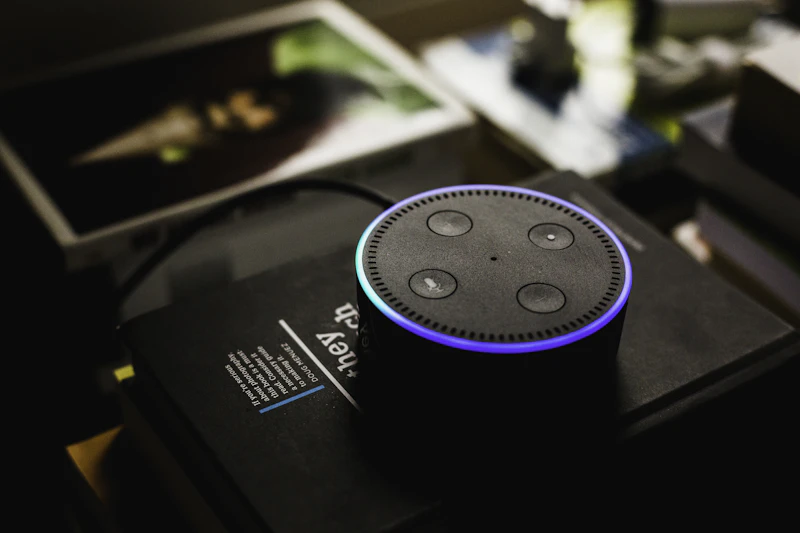
10 Alexa Skills You're Not Using But Should Be
Most Echo owners use Alexa for timers and music. These ten skills unlock capabilities you probably didn't know existed.
BestElectronicsReviewed.com is a participant in the Amazon Services LLC Associates Program. We may earn a commission from qualifying purchases made through links on this page, at no extra cost to you.
Amazon claims over 100,000 Alexa skills, but most people use their Echo devices for the same five things: timers, weather, music, alarms, and the occasional smart home command. That barely scratches the surface. Here are ten skills that are genuinely useful and completely free.
1. Alexa Guard
This built-in feature turns your Echo into a basic security system when you leave home. Say "Alexa, I'm leaving" and Guard mode activates. Your Echo listens for the sound of glass breaking, smoke alarms, or carbon monoxide detectors and sends alerts to your phone. It costs nothing extra and works on every Echo device. Enable it in the Alexa app under Settings > Guard.
2. Whisper Mode
When you whisper to Alexa, she whispers back. This is perfect for late-night questions when you do not want to wake anyone up. Say "Alexa, turn on whisper mode" to activate it, or enable it in Settings > Voice Responses. Once you try this during a midnight feeding or when someone is sleeping nearby, you will never turn it off.
3. Brief Mode
Tired of Alexa confirming every single command with "OK, turning on the lights"? Brief Mode replaces most verbal confirmations with a simple chime sound. Your lights still turn on, but Alexa stops narrating her every action. Enable it in Settings > Voice Responses > Brief Mode.
4. Routines (Not a Skill, But Massively Underused)
Alexa Routines let you trigger multiple actions with a single command or event. Most people never set these up, but they transform the Echo from a simple speaker into a genuine home automation controller.
Example routine: "Alexa, good morning" triggers the bedroom lights to turn on at 30% brightness, reads the weather forecast, tells you your first calendar event, starts your coffee maker (via smart plug), and sets your thermostat to 72 degrees. Build routines in the Alexa app under More > Routines.
For best results, pair routines with an Echo Show 8 so you get visual dashboard information alongside voice responses.
5. Drop In
Drop In lets you use Echo devices as an intercom system. Instead of yelling across the house, say "Alexa, drop in on the kitchen" and your voice broadcasts through the kitchen Echo. You can drop in on specific devices or announce to all devices at once. For multi-story homes, this replaces shouting up the stairs entirely.
6. Medication Reminders
Say "Alexa, remind me to take my medication every day at 8 AM" and she will alert you daily with a persistent notification that does not clear until you acknowledge it. Unlike phone reminders that are easy to swipe away, Alexa's yellow ring and repeated verbal reminders are harder to ignore. Genuinely useful for elderly family members.
7. Find My Phone
Lost your phone somewhere in the house? Say "Alexa, find my phone" and she will call your linked phone number, making it ring even if it is on silent (as long as it is connected to a carrier). No skill installation needed — it works out of the box once you verify your phone number in the Alexa app.
8. Song Quiz
Say "Alexa, open Song Quiz" for a surprisingly fun music trivia game that works for one player or groups. She plays song clips from different decades and you guess the title and artist. It tracks scores across multiple players. This is genuinely entertaining during dinner parties and requires zero setup.
9. Adaptive Sound
For sleep, say "Alexa, play rain sounds" or "Alexa, play white noise." These are built-in ambient sound options (not a streaming service) that play continuously without ads or interruptions. They loop seamlessly and can be set on a sleep timer: "Alexa, stop in 45 minutes." Pair this with an Echo Pop on the nightstand for a dedicated sleep sound machine.
10. Announcements
Say "Alexa, announce that dinner is ready" and every Echo device in your home simultaneously broadcasts your message. Unlike Drop In (which opens a two-way conversation with one device), Announcements are one-way broadcasts to all devices. Perfect for calling kids to dinner, alerting the household that you are leaving, or any situation where you need to reach everyone at once.
Bonus: Hunches
Alexa Hunches is an AI feature that learns your habits and makes suggestions. If you always turn off the living room light at 11 PM and forget one night, Alexa will offer to turn it off for you. Enable it in Settings > Hunches and let it learn for a week or two before judging — it gets more useful as it accumulates data about your patterns.
The best Alexa features are the ones that save you small amounts of time repeatedly. Each of these skills or features shaves seconds or minutes off daily tasks, and that adds up to meaningful convenience over weeks and months.
As an Amazon Associate, BestElectronicsReviewed earns from qualifying purchases.
Recommended Products
Top picks from our buying guides
Related Articles
Updated: How to Organize Your Desk Setup for Maximum Productivity (Spring 2026)
Updated: How to Organize Your Desk Setup for Maximum Productivity (Spring 2026) — expert analysis and tested recommendations from BestElectronicsReviewed.
TipsEssential Tech for Architects and Designers
Architecture demands serious computing power for CAD and rendering, precise displays for color accuracy, and collaborative tools that bridge the studio and job site.
TipsMust-Have Tech for Interior Designers
Modern interior design blends creativity with technology. From color-accurate displays to 3D rendering tools, here's the tech that gives designers a competitive edge.