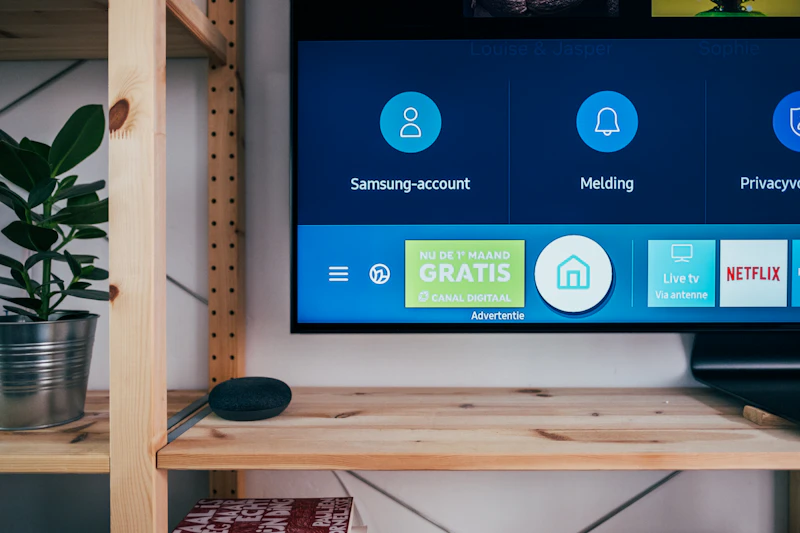
Why Your Smart TV Is the Slowest Device in Your Home
Your TV's processor is years behind your phone. Here's why smart TV interfaces are sluggish, why they get worse over time, and what you can do about it.
BestElectronicsReviewed.com is a participant in the Amazon Services LLC Associates Program. We may earn a commission from qualifying purchases made through links on this page, at no extra cost to you.
You just bought a beautiful 65-inch 4K TV that displays a stunning picture. Then you try to navigate the smart TV interface and it feels like using a phone from 2018. Apps take 10 seconds to open. The interface lags when scrolling. Netflix crashes once a week. What is going on?
The Hardware Problem
TV manufacturers compete on panel quality, not processing power. The budget for a TV's processor is a small fraction of the total bill of materials. The result: most TVs ship with processors that are several generations behind the chips in phones and tablets.
A typical 2026 smart TV uses a quad-core ARM processor with 1.5-2GB of RAM. Compare that to a budget phone with an octa-core processor and 4-6GB of RAM. Your TV's brain is running at a fraction of your phone's capability.
The kicker: TV interfaces are built with web technologies (HTML, CSS, JavaScript) that are more resource-intensive than native code. Samsung Tizen, LG webOS, and Google TV are all running what is essentially a web browser as the entire operating system — on hardware that struggles to run a smooth web browser.
Why It Gets Worse Over Time
Smart TVs get slower for the same reasons laptops do, but with less mitigation:
App Updates Expect More Resources
App developers optimize for the latest hardware. As Netflix, YouTube, and Disney+ add features (higher bitrate streams, new UI elements, personalized recommendations), their apps demand more processing power and memory. Your TV's hardware does not improve, but the apps running on it get heavier.
OS Updates Add Bloat
Each major OS update adds new features, background processes, and telemetry. LG and Samsung add new ad frameworks, recommendation engines, and data collection that consume resources. The TV you bought last year is running a heavier operating system on the same hardware.
Storage Fills Up
Smart TVs have limited internal storage (8-16GB typically). As you install apps and the system accumulates cache data, available storage shrinks. Low storage directly impacts performance — the OS needs free space for caching and swap operations.
The TV Manufacturer Stops Caring
Most TV manufacturers provide OS updates for 3-5 years. After that, you get no new features, no performance optimizations, and eventually no security patches. Meanwhile, app developers continue raising the minimum requirements, and older TVs gradually lose app compatibility.
The Advertising Factor
A contributing factor to smart TV sluggishness that manufacturers do not discuss: advertising. Modern smart TVs display ads on the home screen, in the app launcher, and sometimes even in the settings menu. These ads are loaded from remote servers, which means:
- Your TV is making network requests to ad servers every time you navigate the interface
- Ad content is rendered alongside the UI, consuming processing power
- Ad tracking and analytics run in the background
- Some TVs pre-load video ads that consume memory
This advertising is a revenue source for TV manufacturers — it is one reason TVs are cheaper than they "should" be. You are subsidizing the TV price with your attention and data. The trade-off is a slower interface.
Solutions: External Streaming Devices
The simplest fix is to bypass the smart TV interface entirely with an external streaming device:
Best overall: The Amazon Fire TV Stick 4K Max ($35-60) has a faster processor, more RAM, and a more responsive interface than the smart platform built into most TVs. Plug it in, switch to the HDMI input, and forget the built-in platform exists.
Best premium: The Apple TV 4K ($130-180) has the fastest processor of any streaming device — the A15 Bionic chip that was in the iPhone 13 Pro. It runs circles around any built-in TV platform and will remain fast for 5+ years.
For the technically inclined: The NVIDIA Shield TV Pro remains the most powerful streaming device with its Tegra X1+ processor, AI upscaling, and Plex server capabilities.
An external streaming device costs $35-180 and makes your TV feel new again. It also continues receiving updates and new apps long after your TV manufacturer stops supporting the built-in platform.
The "Dumb TV" Approach
Some people advocate buying a commercial display (no smart features) and adding your own streaming device. In practice, it is nearly impossible to buy a quality consumer TV without a smart platform in 2026. Every major manufacturer bundles smart features because:
- Ad revenue subsidizes the TV price
- Data collection has value
- Consumers expect smart features in the store comparison
The practical approach: buy the TV with the best panel quality for your budget, then use an external streaming device for the interface. Think of the built-in smart platform as a backup, not the primary experience.
How to Optimize Your Built-In Smart TV Platform
If you prefer using the built-in platform:
- Uninstall unused apps — Free up storage and reduce background processes
- Clear app cache regularly — Settings > Apps > [App] > Clear Cache
- Reduce motion features — Some TV processors struggle with motion smoothing, which slows down UI rendering
- Use Ethernet instead of Wi-Fi — More consistent data for app loading
- Factory reset annually — Clears accumulated bloat. You will need to re-log into apps, but the performance improvement is noticeable
- Disable automatic content recognition (ACR) — This data collection feature runs in the background. Disabling it saves processing resources (Settings > Privacy, varies by brand)
The Honest Outlook
Smart TV platforms will always lag behind dedicated streaming devices because:
- TV margins are thin, so processors are budget
- TVs are replaced every 7-10 years, but software evolves annually
- Ad revenue incentives conflict with performance optimization
- The focus of TV R&D is panel quality, not processing power
Accept this reality and either invest $35-60 in a Fire TV Stick or $130 in an Apple TV 4K. Your viewing experience will be dramatically better, and the device will be updated for years.
Read our streaming device guide →
As an Amazon Associate, BestElectronicsReviewed earns from qualifying purchases.
Recommended Products
Top picks from our buying guides
Related Articles
Guide: Why USB-C Cables Are Not All the Same: A Technical Guide (Spring 2026)
Guide: Why USB-C Cables Are Not All the Same: A Technical Guide (Spring 2026) — expert analysis and tested recommendations from BestElectronicsReviewed.
Deep DiveWhy Ultrawide Monitors Are Better Than Dual Monitors
Two monitors or one ultrawide? After testing both setups extensively, the ultrawide wins for most people. Here's the detailed case.
Deep DiveWhy USB-C Cables Are Not All the Same: A Technical Guide (March 2026)
Why USB-C Cables Are Not All the Same: A Technical Guide (March 2026) — expert analysis and tested recommendations from BestElectronicsReviewed.