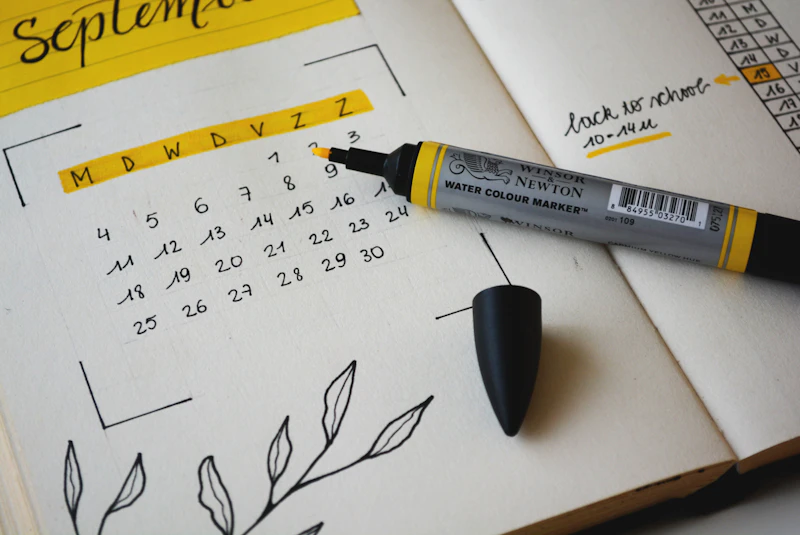
Smart Family Calendar Displays: Digital Hubs for Busy Households
A wall-mounted smart display that shows everyone's schedules, shopping lists, and reminders keeps busy families organized without relying on each person checking their phone.
BestElectronicsReviewed.com is a participant in the Amazon Services LLC Associates Program. We may earn a commission from qualifying purchases made through links on this page, at no extra cost to you.
In a busy household, keeping track of everyone's activities, appointments, and commitments is a logistics challenge. A smart family calendar display — mounted in the kitchen or hallway — provides a shared, always-visible overview of the family schedule that no one has to remember to check.
Dedicated Family Calendar Displays
Skylight Calendar: A 15-inch touchscreen designed specifically as a family calendar hub. It syncs with Google Calendar, Apple Calendar, Outlook, and Cozi, displaying color-coded events for each family member. Swipe between daily, weekly, and monthly views. A built-in chore tracker assigns and tracks tasks for kids.
At around $300 with a $4/month subscription, Skylight is the most polished dedicated family calendar. The touchscreen interface is intuitive enough for school-age children to check their own schedules and mark chores complete.
Dakboard: A digital dashboard that displays calendars, weather, photos, and news on any screen. You provide the screen (an old tablet, a monitor, or a smart TV) and Dakboard provides the software. Plans start at free with premium features at $5/month.
Repurposing a Tablet
A wall-mounted tablet running a calendar app is the most flexible and affordable option. An old iPad or a budget Amazon Fire HD 10 tablet mounted on the wall with a magnetic mount provides a touchscreen calendar display for under $100.
Use Google Calendar or Apple Calendar as the backend, with each family member's events syncing automatically from their phone. The tablet displays a shared view that includes everyone's commitments.
Pair the tablet with a wall mount with charging capability so the tablet stays powered and always on. Disable sleep mode and set the screen to always-on display at reduced brightness.
Smart Display Approach
An Amazon Echo Show 15 or Google Nest Hub Max serves as both a smart display and a family calendar. Wall-mount the Echo Show 15 and it displays a customizable home screen with calendar events, to-do lists, weather, and family photos when not actively being used.
The advantage of a smart display is voice interaction. "Alexa, add soccer practice to Tuesday at 4 PM" adds events without anyone touching the screen. Family members can also add events from their phones, and the display updates automatically.
Making It Work for Families
The technology is the easy part. The hard part is getting everyone to actually use the shared calendar. Tips for adoption:
One calendar for everything: If some events are on the family calendar and others are not, people stop trusting it. Everything goes on the shared calendar — school events, sports, appointments, social commitments, and deadlines.
Color code by person: Each family member gets a color. At a glance, you can see who has a busy day without reading every event.
Weekly review: Sunday evening, gather the family around the display for a 5-minute review of the coming week. This catches conflicts and ensures everyone knows what is happening.
Meal planning integration: Add meal plans to the calendar so everyone knows what is for dinner. This reduces "what are we eating" questions and streamlines grocery shopping.
The Command Center Concept
The most organized families build a "command center" around their digital calendar — a wall area that combines the smart display with physical elements like a key rack, mail sorter, and phone charging station. This creates a single location that every family member passes through daily, increasing the chances that everyone stays informed.
As an Amazon Associate, BestElectronicsReviewed earns from qualifying purchases.
Recommended Products
Top picks from our buying guides
Related Articles
Best Kitchen Tech for Meal Prep
Meal prep is easier with the right gadgets. From food scales to vacuum sealers, these kitchen electronics save hours every week.
Buyer GuidesWhole House Water Filtration: Smart Filters and Monitoring Systems
From under-sink filters to whole-house systems, smart water filtration monitors filter life, detects contaminants, and ensures clean water from every tap.
Buyer GuidesBest Homework and Study Apps for Middle and High School Students
From math solvers to flashcard apps to essay helpers, these study tools help older students work smarter without doing the work for them.