Senior-Friendly Phones: Simplified Smartphones for Older Adults
The best phones for seniors combine large text, simple interfaces, hearing aid compatibility, and emergency features. Here are our top picks and setup tips.
BestElectronicsReviewed.com is a participant in the Amazon Services LLC Associates Program. We may earn a commission from qualifying purchases made through links on this page, at no extra cost to you.
Finding the right phone for an older adult means balancing simplicity with capability. Too simple and the phone cannot do what they need. Too complex and it sits in a drawer. The best senior-friendly phones and configurations provide essential features — calls, messages, photos, video calls — without overwhelming the user.
Simplified Android Phones
The Jitterbug Smart4 from Lively runs a simplified Android interface with a large, high-contrast home screen showing only essential functions. It includes an urgent response button that connects to trained agents 24/7, medication reminders, and a simplified app store with curated, senior-appropriate apps.
Samsung phones offer an Easy Mode (Settings > Display > Easy Mode) that enlarges icons, increases font sizes, and simplifies the home screen to a single scrolling page. The Samsung Galaxy A15 is an affordable phone that looks and works like a premium device in Easy Mode.
iPhones for Seniors
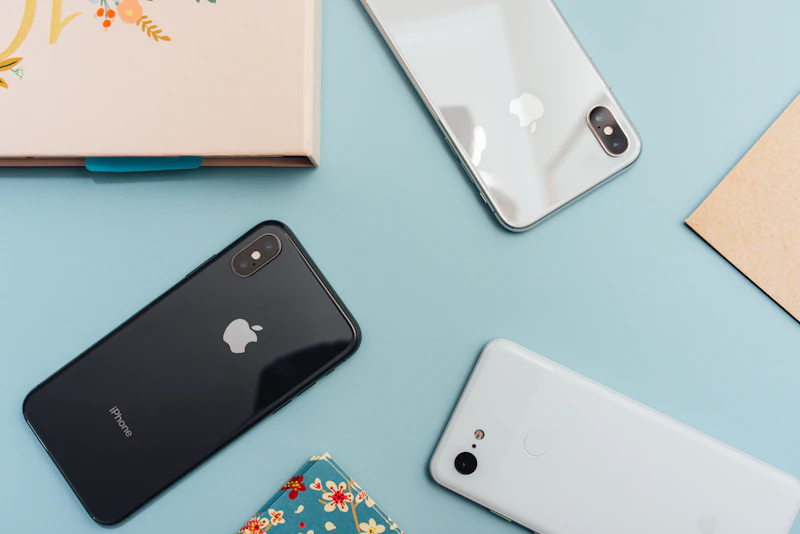
iPhones work well for seniors when properly configured. Enable these settings: Display & Brightness > Text Size (increase to maximum), Accessibility > Display & Text Size > Bold Text, Accessibility > Touch > AssistiveTouch (adds a floating shortcut button), and set up Medical ID with emergency contacts and health information.
The iPhone's FaceTime quality, iMessage reliability, and tight integration with Apple Watch make it the best choice for families already in the Apple ecosystem. Shared Photo Libraries let grandparents see family photos automatically, and Family Sharing allows remote management of their device.
Key Features to Prioritize
Hearing aid compatibility is essential. Look for phones rated M3/T3 or higher on the HAC (Hearing Aid Compatibility) scale. All current iPhones and most Samsung Galaxy phones meet this standard. Enable hearing aid mode in the phone's accessibility settings for reduced electromagnetic interference.
Emergency SOS features on both iPhone (hold side button + volume) and Android (press power 5 times) call emergency services and share your location. Set up emergency contacts and medical information so first responders can access critical health details from the lock screen.
Large, clear displays are obvious necessities. Minimum 6-inch screens with adjustable font sizing cover most low vision needs. OLED screens offer better contrast than LCD, making text more readable for aging eyes.
Accessories That Help
A phone case with a ring holder provides grip security — dropped phones are a common problem. Screen protectors with matte finishes reduce glare. Bluetooth amplified phones connect wirelessly and provide extra volume for those who need more than the phone's built-in speaker.
Remote Setup and Support
Both iPhone (through Screen Sharing) and Android (through Google Remote Desktop or Samsung's Remote Support) allow family members to remotely access and troubleshoot the phone. Set this up during initial configuration so you can provide tech support without being physically present. Regular check-ins help catch issues before they become frustrating enough for the senior to stop using the phone.
As an Amazon Associate, BestElectronicsReviewed earns from qualifying purchases.
Recommended Products
Top picks from our buying guides
Related Articles
Best Kitchen Tech for Meal Prep
Meal prep is easier with the right gadgets. From food scales to vacuum sealers, these kitchen electronics save hours every week.
Buyer GuidesWhole House Water Filtration: Smart Filters and Monitoring Systems
From under-sink filters to whole-house systems, smart water filtration monitors filter life, detects contaminants, and ensures clean water from every tap.
Buyer GuidesBest Homework and Study Apps for Middle and High School Students
From math solvers to flashcard apps to essay helpers, these study tools help older students work smarter without doing the work for them.