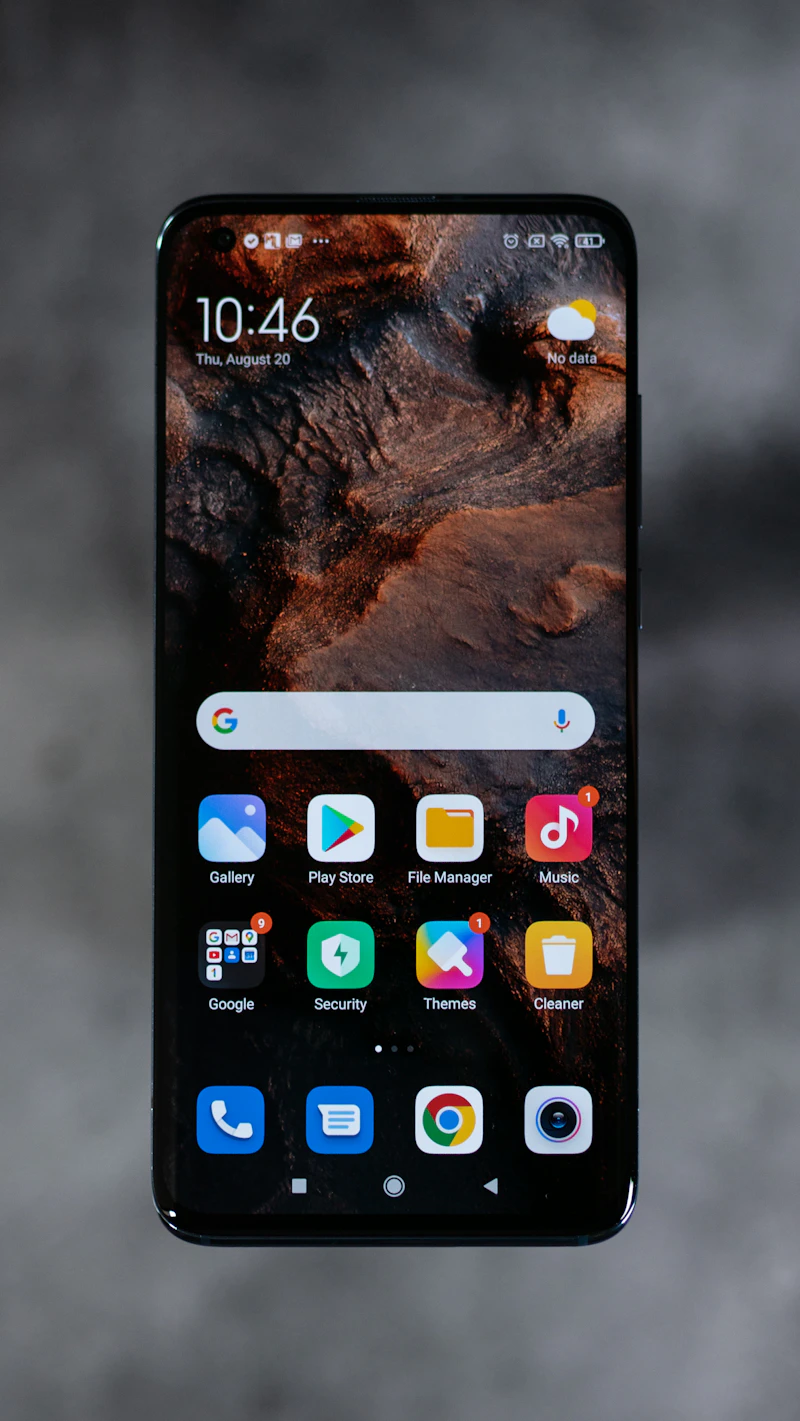
How to Extend Your Phone's Lifespan to 5 Years
The average phone lasts 2-3 years before people upgrade. With the right habits and maintenance, yours can perform well for five years or more.
BestElectronicsReviewed.com is a participant in the Amazon Services LLC Associates Program. We may earn a commission from qualifying purchases made through links on this page, at no extra cost to you.
The average American upgrades their phone every 2.7 years. But modern phones are powerful enough to remain fully functional for five years or more with proper care. Extending your phone's lifespan saves $400-600 per skipped upgrade cycle and reduces electronic waste. Here is a comprehensive guide to making your phone last.
Year 1-2: Build Good Habits Early
The decisions you make during the first few months with a new phone determine its condition years later.
Protect It Physically
A cracked screen or damaged frame is the number one reason people replace phones prematurely. Invest in a quality case and screen protector on day one — not after the first drop. A tempered glass screen protector costs $8-12 and absorbs impacts that would otherwise crack your screen. Replace it every 6-12 months as the glass develops micro-scratches that weaken its integrity.
Skip the ultra-thin cases that offer style over substance. A case with raised bezels around the screen and camera, corner air cushions, and a grippy texture provides actual protection without excessive bulk.
Charge Smart From the Start
Battery degradation is cumulative. The charging habits you build in year one compound over the phone's lifetime. Enable your phone's built-in charging optimization. Keep your charge between 20-80% when possible. Avoid fast charging for routine overnight charges — save it for when you genuinely need quick power.
Manage Storage Proactively
A phone that runs out of storage slows down because the operating system needs free space for caching, app updates, and system functions. Set up cloud photo backup from day one so your photo library does not consume all local storage. Regularly review and delete apps you no longer use.
Year 2-3: Maintenance Phase
This is when most people start noticing slowdowns and considering upgrades. Proper maintenance can keep your phone feeling responsive.
Battery Health Check
After two years, check your battery health. On iPhone, go to Settings > Battery > Battery Health. On Samsung, use the Samsung Members app diagnostics. If your battery capacity has dropped below 80%, a professional battery replacement ($50-80) restores your phone's endurance to like-new levels and is far cheaper than a new phone.
Factory Reset Annually
A clean factory reset once a year clears accumulated cache files, orphaned app data, and system cruft that slow your phone down. Back up everything first — photos, contacts, app data, messages — then perform the reset and restore from backup. The process takes about an hour and the performance improvement is immediately noticeable.
Update Everything
Keep your operating system and apps updated. OS updates include security patches that protect against newly discovered vulnerabilities. App updates often include performance improvements and bug fixes. Set apps to auto-update over Wi-Fi so you do not have to manage them manually.
Year 3-4: Optimization Phase
By year three, your phone's hardware is no longer cutting-edge. Software optimizations become critical for maintaining a smooth experience.
Reduce Animations
Animations look nice but consume processing power. On iPhone, enable Settings > Accessibility > Motion > Reduce Motion. On Android, go to Developer Options and set Window Animation Scale, Transition Animation Scale, and Animator Duration Scale to 0.5x or Off. This makes your phone feel noticeably snappier.
Audit Background Processes
Apps running in the background consume battery and processing power. Review which apps have background refresh permission and revoke it for any apps that do not need to update in the background. Social media apps are common offenders — they do not need to refresh when you are not using them.
Replace the Battery
If you have not already, year three is the sweet spot for a battery replacement. The cost is $50-80 at most repair shops and Apple or Samsung authorized service centers. This single repair can extend your phone's usable life by another 2-3 years. Pair the refreshed battery with a quality wireless charger for gentle daily charging that preserves the new cell.
Year 4-5: Graceful Aging
Your phone is now well past the typical upgrade cycle. Here is how to keep it running smoothly through the final stretch.
Accept Limitations Gracefully
Your four-year-old phone will not run the latest graphics-intensive games at maximum settings. That is fine. It will still handle email, messaging, social media, navigation, streaming, and web browsing without issue. Adjust your expectations for what the phone does well and use a tablet or laptop for demanding tasks.
Keep It Secure
This is the most important consideration for older phones. Check whether your phone still receives security updates. Apple supports iPhones for 5-6 years of OS updates. Google and Samsung now offer 7 years for recent models. If your phone has stopped receiving security updates, be more cautious about the apps you install and the networks you connect to.
Consider a Screen Refresh
Professional screen cleaning and oleophobic coating reapplication can make a scratched, smudgy screen look and feel significantly better. Some repair shops offer this service for $20-30. It does not fix cracks, but it restores the smooth, fingerprint-resistant feel of a new screen.
When to Finally Upgrade
Even with perfect maintenance, there are legitimate reasons to upgrade:
- Security updates have ended and your phone is no longer receiving patches.
- Your battery replacement cost exceeds $100 because the model is too old for affordable parts.
- Apps you depend on have dropped support for your OS version.
- Physical damage makes repair cost-prohibitive.
If none of these apply, your five-year-old phone is still a perfectly functional daily driver. The technology in a 2021 or 2022 flagship is more than sufficient for everything most people use a phone for in 2026.
As an Amazon Associate, BestElectronicsReviewed earns from qualifying purchases.
Recommended Products
Top picks from our buying guides
Related Articles
eSIM for International Travel: Complete Setup Guide for iPhone and Android
Skip the SIM card shops at the airport. An eSIM gives you instant data in 190+ countries at a fraction of roaming costs. Here is how to set one up.
How-ToHome Network Wiring: Run Ethernet Through Your House Like a Pro
WiFi is convenient but ethernet is faster and more reliable. Here is how to run ethernet cables through your home without destroying your walls.
How-ToHow to Light a Video Call So You Look Professional
Lighting is the difference between looking washed out and looking polished on video calls. Here's a simple setup that takes 5 minutes and costs under $50.