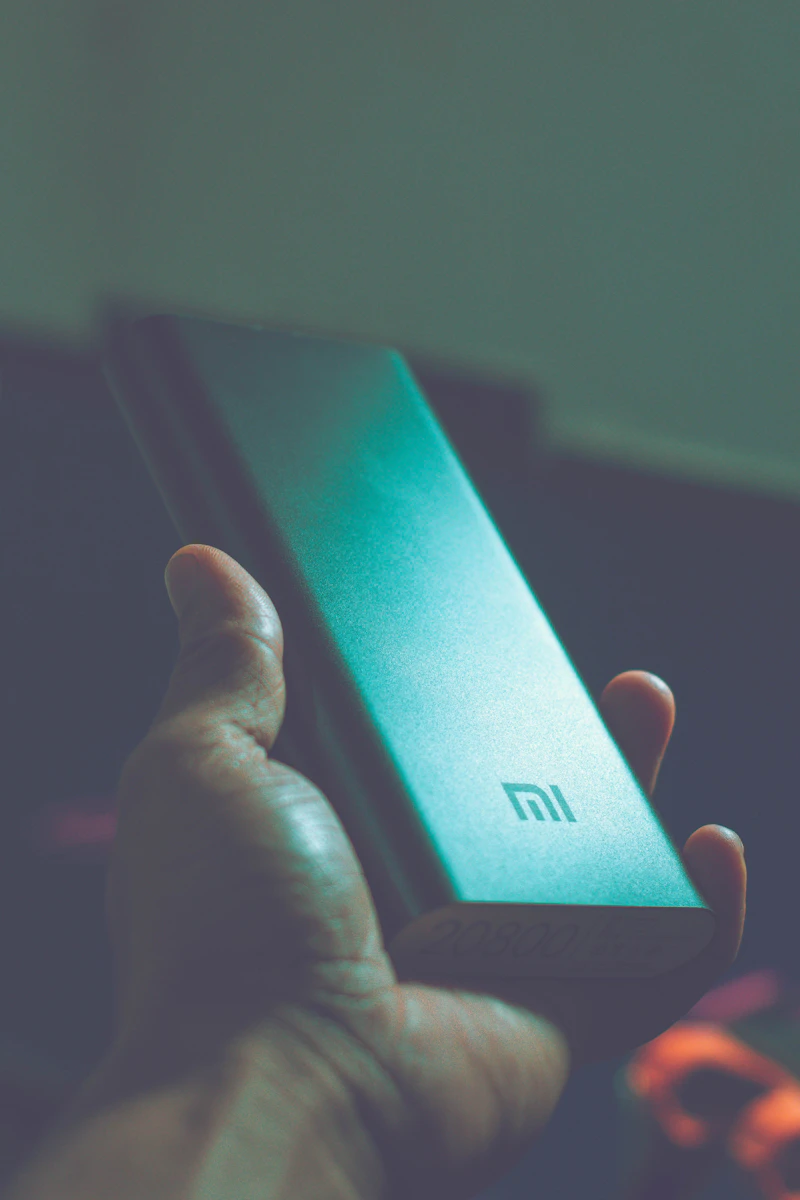
The Biggest Power Bank Mistakes: Capacity Isn't Everything
A 20,000mAh power bank does not charge your phone four times. Here is why capacity specs are misleading and what to actually look for.
BestElectronicsReviewed.com is a participant in the Amazon Services LLC Associates Program. We may earn a commission from qualifying purchases made through links on this page, at no extra cost to you.
Power banks are marketed primarily on one number: milliamp-hour (mAh) capacity. A 20,000mAh power bank sounds like it should charge a 5,000mAh phone battery four times. It will not. In reality, it will charge your phone about 2.5 to 3 times. Understanding why — and what metrics actually matter — prevents the most common power bank buying mistakes.
Mistake #1: Trusting the mAh Number
Power banks store energy at 3.7V (their internal battery voltage) but output at 5V or higher (the USB standard). This voltage conversion wastes 20-35 percent of the stored energy as heat. A 20,000mAh power bank at 3.7V stores about 74 watt-hours. After conversion losses, roughly 50-60 watt-hours are available to charge your device. A typical phone battery is about 18-20 watt-hours, yielding 2.5-3 full charges — not four.
The fix: Look at watt-hours (Wh) instead of mAh. Wh measures actual energy capacity regardless of voltage. A power bank advertising "74Wh" is more honest than one advertising "20,000mAh" because the Wh number already accounts for the battery voltage.
The Anker 737 Power Bank at 24,000mAh/87.6Wh provides about 4-5 full phone charges — and the Wh spec tells you this honestly.
Mistake #2: Ignoring Output Wattage
A 20,000mAh power bank with a 5W output trickle-charges your phone at the same rate as a 2015 charger. A 20,000mAh power bank with a 30W USB-C PD output fast-charges your phone from 10 to 60 percent in 30 minutes.
Same capacity. Completely different charging experience.
The fix: Prioritize output wattage. For phone charging, 20W minimum activates fast charging on most smartphones (iPhone 15, Samsung Galaxy, Google Pixel). For laptop charging, 60W minimum is needed.
Mistake #3: Buying Too Much Capacity
A 30,000mAh power bank sounds great until you realize it weighs over a pound and a half and barely fits in a pocket. For daily carry, you rarely need more than two full phone charges — which a 10,000mAh bank provides.
The fix: Match capacity to your actual use case:
- Daily commute: 5,000-10,000mAh (1-2 phone charges)
- Day trip: 10,000-15,000mAh (2-3 charges)
- Weekend travel: 20,000-26,800mAh (4-5 charges)
- Extended off-grid: Portable power station instead of a power bank
The INIU 10,000mAh Power Bank at $16 is the perfect daily carry — small, light, 22.5W output, and provides two full phone charges.
Read our full power bank guide →
Mistake #4: Forgetting About Passthrough Charging
Some power banks cannot charge a device while being charged themselves. This means at your hotel, you need to fully charge the power bank first, then unplug it and charge your phone — wasting time.
The fix: Buy a power bank with passthrough charging. This feature lets you plug the power bank into a wall outlet while simultaneously charging your phone from the power bank. One outlet, one time, everything charges.
Mistake #5: Exceeding Airline Limits
The TSA allows power banks up to 100 watt-hours (approximately 27,000mAh at 3.7V) in carry-on luggage. Power banks are never allowed in checked luggage. Exceeding 100Wh requires airline approval and is limited to 160Wh maximum.
The fix: Before flying, check your power bank's Wh rating. If it is not printed on the bank, calculate it: (mAh × 3.7) ÷ 1,000 = Wh. The Anker 737 at 87.6Wh and the INIU at 37Wh are both well within TSA limits.
Mistake #6: Buying No-Name Brands
Budget power banks from unrecognizable brands may use low-quality lithium cells without proper safety circuits. Reports of power banks overheating, swelling, and in rare cases catching fire are almost exclusively from no-name products.
The fix: Stick with established brands: Anker, INIU, Baseus, RAVPower, Aukey, and Samsung all have track records of safety and quality. The price difference between a trusted brand and a no-name is typically $5-10 — trivial insurance against carrying a potential fire hazard in your pocket.
Mistake #7: Ignoring Charging Speed of the Bank Itself
A 20,000mAh power bank that charges at 10W takes 8+ hours to fully recharge. That same bank with 45W input charges in under 2 hours. If you frequently need to top off your power bank between uses, input charging speed matters enormously.
The fix: Check the input charging specification, not just the output. Look for 18W+ input via USB-C PD. The Anker 737 charges from 0 to 80 percent in 42 minutes at 140W input — class-leading speed.
The Power Bank Buying Checklist
Before buying any power bank, verify:
- [ ] Capacity in Wh (not just mAh)
- [ ] Output wattage (20W+ for phones, 60W+ for laptops)
- [ ] Input charging speed (18W+ for reasonable recharge times)
- [ ] Passthrough charging support
- [ ] Under 100Wh for hassle-free air travel
- [ ] Established brand with safety certifications
- [ ] Weight and size appropriate for your carry method
Recommended Power Banks by Use Case
| Use Case | Our Pick | Capacity | Output | Price | |----------|----------|----------|--------|-------| | Daily carry | INIU 10,000mAh | 37Wh | 22.5W | $16 | | Day trip | Anker 325 (20K) | 72Wh | 20W | $28 | | Laptop + phone | Anker 737 (24K) | 87.6Wh | 140W | $109 | | Ultra-light | Anker Nano (5K) | 18.5Wh | 22.5W | $16 |
Read our full portable charger comparison →
Final Thoughts
Power bank marketing revolves around one misleading number: mAh capacity. By understanding the conversion losses, prioritizing output wattage, and matching capacity to your actual needs, you buy a power bank that delivers on its promises rather than one that disappoints. Buy less capacity than you think you need, ensure it charges fast in both directions, and stick with a trusted brand.
As an Amazon Associate, BestElectronicsReviewed earns from qualifying purchases.
Recommended Products
Top picks from our buying guides
Related Articles
Guide: 5 Monitor Buying Mistakes That Waste Your Money (Spring 2026)
Guide: 5 Monitor Buying Mistakes That Waste Your Money (Spring 2026) — expert analysis and tested recommendations from BestElectronicsReviewed.
MistakesGuide: 5 Monitor Buying Mistakes That Waste Your Money (March 2026)
Guide: 5 Monitor Buying Mistakes That Waste Your Money (March 2026) — expert analysis and tested recommendations from BestElectronicsReviewed.
MistakesStop Making These TV Buying Mistakes
The TV you see in the store is not the TV you get at home. Here are the most common mistakes that lead to buyer's remorse — and how to avoid them.