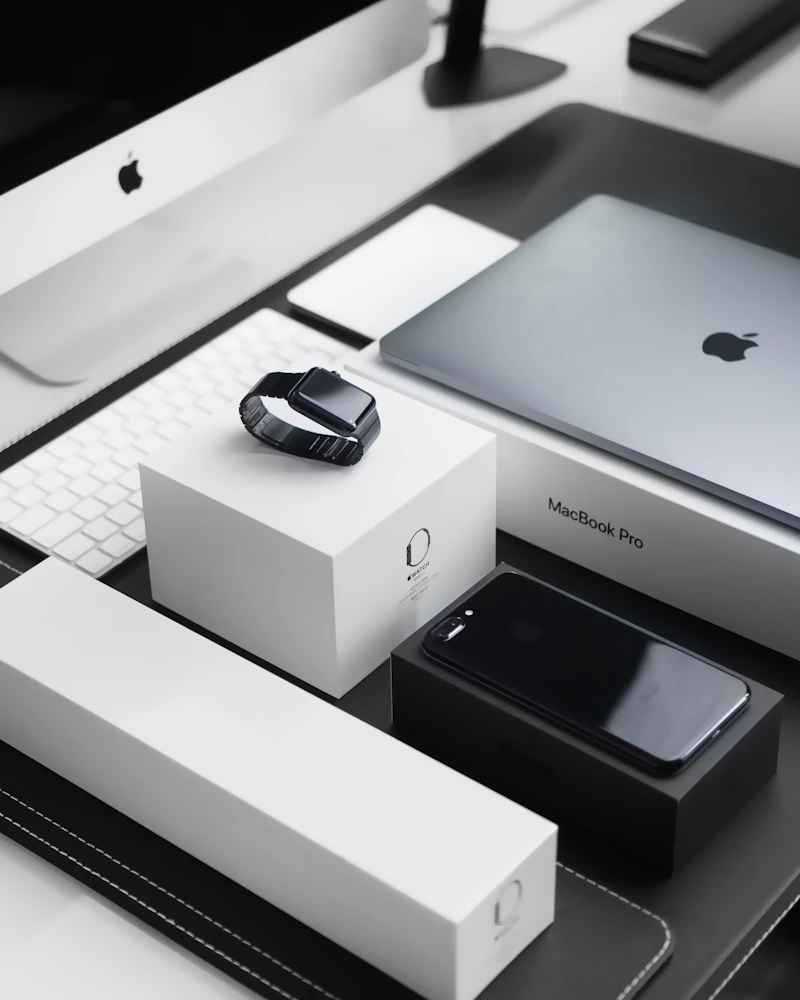
Apple Ecosystem Guide: How Everything Works Together
Apple's ecosystem is the gold standard for device integration. Here is exactly how iPhone, Mac, iPad, Apple Watch, and AirPods create a seamless experience.
BestElectronicsReviewed.com is a participant in the Amazon Services LLC Associates Program. We may earn a commission from qualifying purchases made through links on this page, at no extra cost to you.
The Apple ecosystem is simultaneously Apple's greatest product and its most effective lock-in strategy. When an iPhone, Mac, iPad, Apple Watch, and AirPods work together, the experience is so seamless that switching to any other platform feels like going back to the Stone Age. But understanding which features require which devices — and whether the premium is justified — helps you make informed purchasing decisions rather than buying Apple products on autopilot.
Here is a comprehensive map of how Apple's ecosystem works in 2026.
The Core Integration Features
AirDrop: Instant File Transfer
AirDrop wirelessly transfers photos, files, contacts, and links between any two Apple devices in seconds. No app needed, no account setup, no cloud upload. Just tap Share, tap the recipient device, done. It uses a combination of Bluetooth (for discovery) and Wi-Fi Direct (for transfer), achieving speeds up to 1 Gbps.
Handoff: Continue Anywhere
Start writing an email on your iPhone, pick up your iPad, and the email appears in the dock — right where you left off. Handoff works with Mail, Safari, Maps, Messages, Reminders, Calendar, and many third-party apps. The experience is magical when it works, which in 2026 is nearly always.
Universal Clipboard: Copy Here, Paste There
Copy text, images, or files on one Apple device and paste on another. Copy a phone number on your Mac, paste it into a message on your iPhone. Copy a photo on your iPad, paste it into a Keynote presentation on your Mac. It just works.
iCloud Sync: Everything, Everywhere
Photos, Notes, Reminders, Passwords, Safari tabs, Contacts, Calendar — all sync instantly across every Apple device signed into the same Apple ID. The 5GB free tier is laughably small; the $3/month 200GB or $10/month 2TB plans are essential.
iPhone + Mac Integration
The Apple MacBook Air M3 paired with an iPhone creates the most seamless computer-phone experience available.
iPhone as webcam (Continuity Camera): Your iPhone's superior camera becomes your Mac's webcam automatically. No app needed — just mount the iPhone on your monitor and macOS uses it for FaceTime, Zoom, and any video application.
Phone calls on Mac: When your iPhone receives a call, your Mac rings too. Answer on either device.
SMS on Mac: Send and receive green-bubble SMS text messages from your Mac through your iPhone's cellular connection.
Instant Hotspot: When your Mac cannot find Wi-Fi, it sees your iPhone's personal hotspot automatically — no password entry, no setup.
iPhone + AirPods Integration
The Apple AirPods Pro (2nd Generation) paired with an iPhone deliver features that third-party earbuds cannot replicate.
Automatic device switching: AirPods switch between your iPhone, iPad, Mac, and Apple Watch based on which device is producing audio. Start a podcast on your iPhone, then open YouTube on your iPad — audio moves to the iPad automatically.
Spatial Audio with head tracking: Using the gyroscope, AirPods Pro create a surround sound experience that adjusts as you turn your head, anchoring audio to the device rather than your head position.
Conversation Boost: Amplifies the voice of the person in front of you, functioning as a basic hearing aid. This accessibility feature is transformative for people with mild hearing loss.
Find My integration: Locate lost AirPods with precision finding — your iPhone guides you with directional arrows and distance measurements.
iPhone + Apple Watch Integration
The Apple Watch Series 9 extends your iPhone to your wrist with deep integration.
Auto Unlock: Walk up to your Mac while wearing an authenticated Apple Watch and it unlocks automatically. No password, no Touch ID — just sit down and start working.
Wallet and Apple Pay: Pay at stores, present boarding passes, and show tickets from your watch when your phone is buried in a bag.
Camera Remote: Use the watch as a viewfinder and remote shutter for your iPhone's camera.
Health features: Heart rate monitoring, ECG, blood oxygen, fall detection, and crash detection — all syncing to your iPhone's Health app.
iPad as a Second Display
The Apple iPad Air M2 functions as a wireless secondary display for your Mac via Sidecar. No cables, no third-party app — just Works. Extend your desktop to the iPad for more screen real estate, or mirror your Mac's display for presentations.
With Apple Pencil, the iPad becomes a drawing tablet for your Mac — sketch in Photoshop, annotate PDFs, or mark up documents with handwriting.
Apple TV: The Living Room Hub
The Apple TV 4K ties the ecosystem together in the living room.
AirPlay: Mirror or extend any Apple device to your TV. Show photos from your iPhone, present a Keynote from your Mac, or stream content from your iPad.
HomeKit hub: Apple TV functions as a smart home hub for HomeKit devices, enabling automations, remote access, and Siri control of your smart home.
SharePlay: Watch movies, listen to music, or share screens with remote friends and family in sync.
The Cost of the Apple Ecosystem
Here is what a complete Apple ecosystem costs in 2026:
| Device | Price | |--------|-------| | iPhone 15 | $799 | | MacBook Air M3 | $1,099 | | iPad Air M2 | $599 | | Apple Watch Series 9 | $399 | | AirPods Pro 2nd Gen | $249 | | Apple TV 4K | $129 | | iCloud+ 200GB (annual) | $36/yr | | Total | $3,310 |
That is a significant investment. But Apple devices retain resale value better than any other brand — selling a two-year-old iPhone recovers 50-65 percent of the original price, which offsets upgrade costs.
Is the Apple Ecosystem Worth It?
Yes, if: You value seamless integration above all else, you are willing to invest in the full ecosystem, and you are comfortable with Apple's walled garden approach.
No, if: You prefer customization and flexibility, you want to mix and match brands, or the premium pricing is not justified for your usage patterns.
The honest truth: Apple's ecosystem is the best-integrated in tech, and the convenience genuinely saves time and reduces friction daily. But it comes at a premium, and the lock-in effect means switching costs increase with every Apple device you add.
Read our full Apple product guide →
Final Thoughts
Apple's ecosystem is a product in itself — the whole is genuinely greater than the sum of its parts. Every device added multiplies the convenience of every other device. But go in with eyes open: the integration is intentionally designed to make leaving expensive and inconvenient. That is the trade-off.
As an Amazon Associate, BestElectronicsReviewed earns from qualifying purchases.
Recommended Products
Top picks from our buying guides
Apple iPad Air M2 11-inch
#1 in Best iPads of 2026: Which Apple Tablet is Right for You?
Check PriceRelated Articles
How GoPro Reinvented Itself Beyond Action Cameras
GoPro nearly went bankrupt in 2018. Now it's a thriving company with products far beyond action cameras. Here's how they pulled off one of tech's most impressive comebacks.
BrandUpdated: The Complete Guide to Anker Products: What's Worth Buying (Right Now)
Updated: The Complete Guide to Anker Products: What's Worth Buying (Right Now) — expert analysis and tested recommendations from BestElectronicsReviewed.
BrandSamsung Galaxy Ecosystem 2026: Phone Watch Buds Tablet
Samsung's Galaxy ecosystem rivals Apple's for seamless integration. Here is how the Galaxy phone, watch, buds, and tablet work together in 2026.