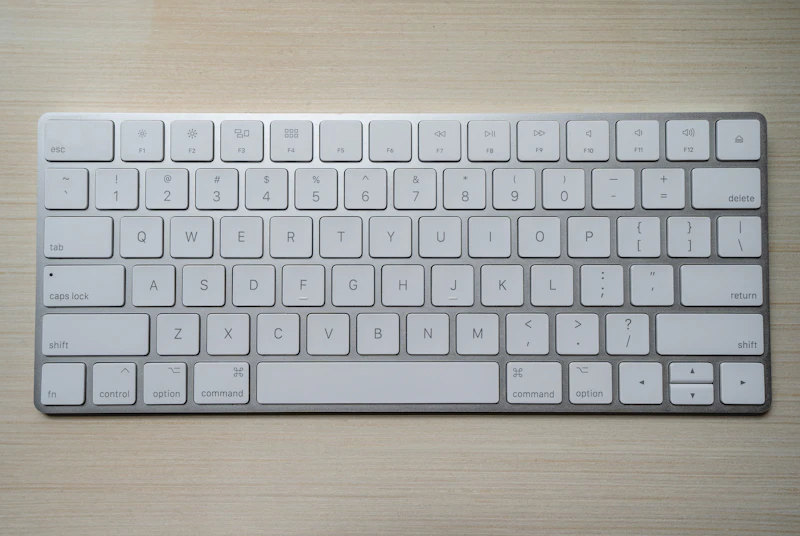
7 Common Mistakes When Buying Your First Mechanical Keyboard
7 Common Mistakes When Buying Your First Mechanical Keyboard — expert analysis and tested recommendations from BestElectronicsReviewed.
BestElectronicsReviewed.com is a participant in the Amazon Services LLC Associates Program. We may earn a commission from qualifying purchases made through links on this page, at no extra cost to you.
Mechanical keyboards can be amazing, but new buyers regularly make these mistakes and end up disappointed.
1. Buying Clicky Switches for an Office
Blue switches feel great in a YouTube video. In a shared office or on video calls, the constant clicking is genuinely annoying to everyone around you. Start with Brown (tactile) or Red (linear) switches for versatility.
2. Going Full-Size When You Don't Need It
A full-size keyboard with number pad pushes your mouse far to the right, which strains your shoulder over time. Unless you enter numbers constantly, a 75% or TKL layout gives you everything you need in less space.
3. Ignoring Hot-Swap Capability
Your first switch preference might be wrong. Hot-swap keyboards let you pull out switches and try different types without soldering. Pay the small premium for this flexibility.
4. Spending Too Much on Your First Board
Your first mechanical keyboard should cost $60-120. You don't know your preferences yet — layout, switch type, weight, sound, keycap profile. Start mid-range, learn what you like, then invest in a premium board like the Keychron Q1 Pro.
5. Forgetting About Keycap Compatibility
Not all keycaps fit all keyboards. Check if your board uses a standard layout before buying custom keycaps. Non-standard bottom rows (common on Corsair, Razer) limit your options.
6. Ignoring Sound Profile
Mechanical keyboards can be loud. If noise matters, look for boards with sound-dampening foam, silicone dampeners, or pre-lubed switches. "Thocky" sound requires deliberate choices.
7. Not Trying Before Buying
Visit a store with keyboard displays. Thirty seconds of typing on each switch type tells you more than watching 20 comparison videos. Your fingers know what they prefer.
As an Amazon Associate, BestElectronicsReviewed earns from qualifying purchases.
Recommended Products
Top picks from our buying guides
Related Articles
Guide: 5 Monitor Buying Mistakes That Waste Your Money (Spring 2026)
Guide: 5 Monitor Buying Mistakes That Waste Your Money (Spring 2026) — expert analysis and tested recommendations from BestElectronicsReviewed.
MistakesGuide: 5 Monitor Buying Mistakes That Waste Your Money (March 2026)
Guide: 5 Monitor Buying Mistakes That Waste Your Money (March 2026) — expert analysis and tested recommendations from BestElectronicsReviewed.
MistakesStop Making These TV Buying Mistakes
The TV you see in the store is not the TV you get at home. Here are the most common mistakes that lead to buyer's remorse — and how to avoid them.